How to Check What ChatGPT Says About Your Apartment Community

Open ChatGPT, Gemini, Perplexity and Google in a clean browser session, ask the same set of renter questions with and without your community's name, and record what each one says and which sources it cites. Then fix the sources that are wrong or missing. You cannot edit an AI answer directly, but you can change what it reads.
This takes about an hour the first time. Here is the process we use, step by step.
Why should a property team check AI answers at all?
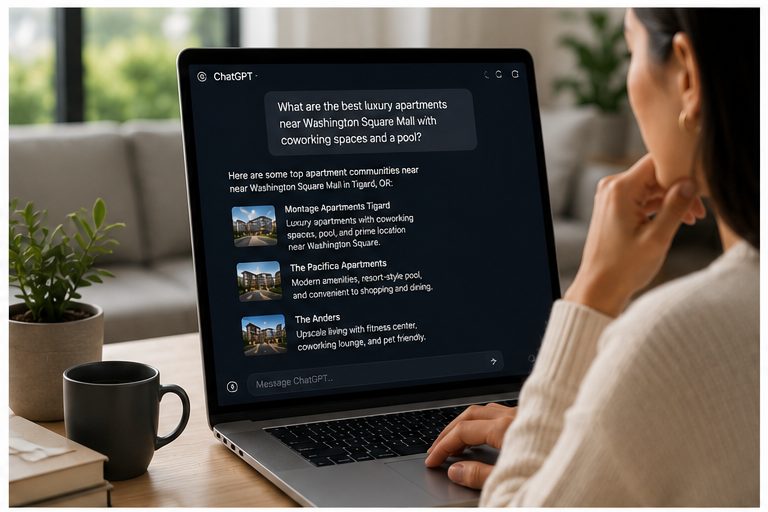
Because renters ask these tools the same questions they used to type into Google, and the answer may name a few communities without a click to anyone's website. If the answer gets your pet policy wrong or leaves you off a shortlist, you will not see it in your website analytics.
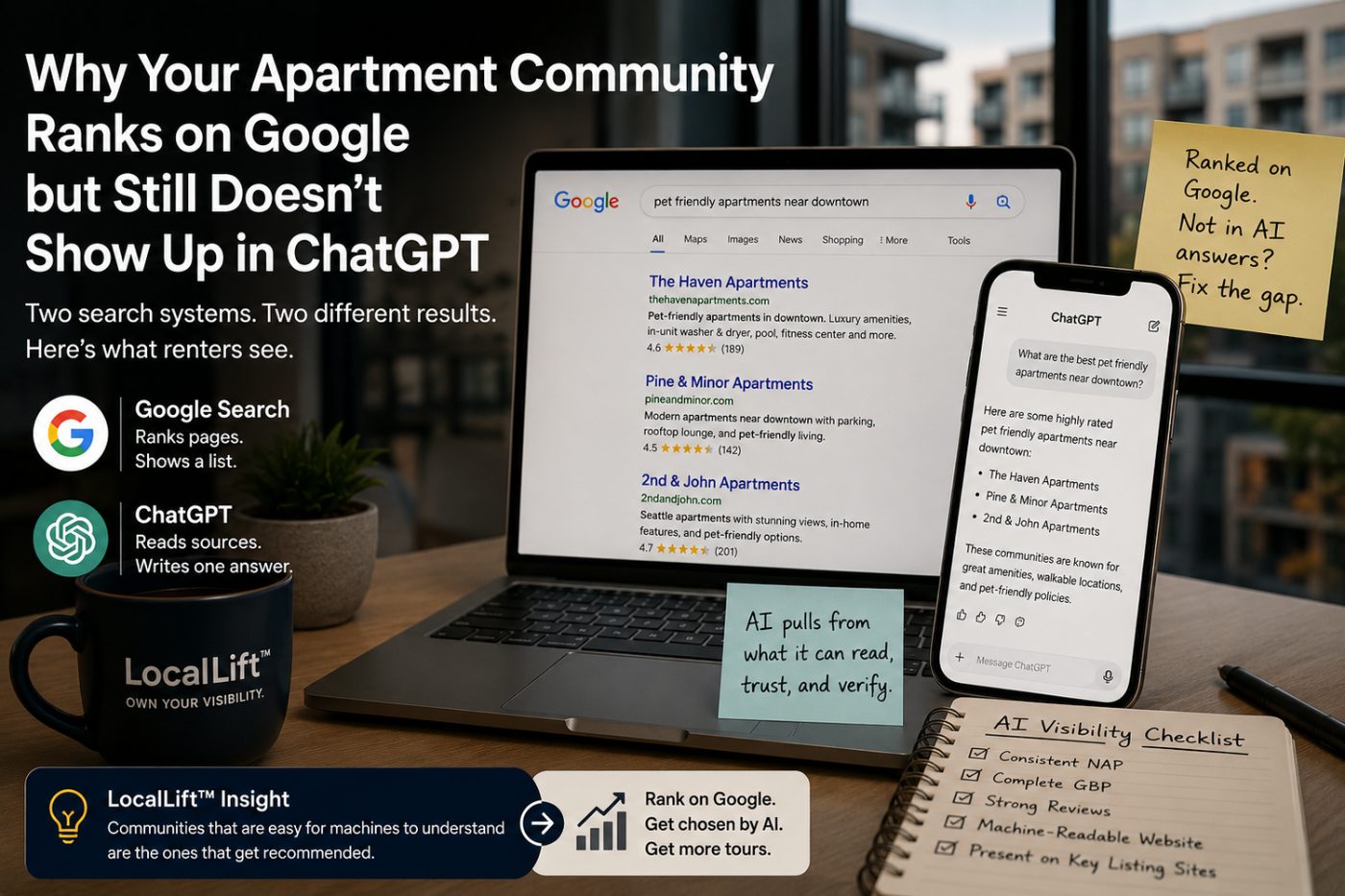
We have written about why communities go missing from ChatGPT. This post is the practical part: how to see what is actually being said today.
What do you need before you start?
A one page fact sheet and a spreadsheet. The fact sheet lists what is true right now: name, address, unit types, pet policy and fees, parking, current specials, amenities and office hours. Without it, you cannot tell a wrong answer from an outdated one.
Then set up a clean session. Use a private browser window, sign out of personal accounts where you can, and turn off any memory or personalization features in the assistant you use. If you are checking from the leasing office, remember that location can shape answers, so note where you ran the check.
Which questions should you ask?
Ask the questions a renter would ask, in their words, not yours. Mix questions that name your community with questions that do not, because the second group shows whether you are on the shortlist at all.
| Question type | Example | What it shows |
|---|---|---|
| Discovery, unbranded | Best apartments near [neighborhood] with a dog park | Whether you make the shortlist |
| Facts, branded | What is the pet policy at [community]? | Whether the details are correct and current |
| Comparison | [Community] vs [competitor], which is better for commuters? | How you are described next to rivals |
| Reputation | What do residents say about [community]? | Which reviews and themes get repeated |
| Cost | How much is a one bedroom at [community]? | Whether old prices or specials are still circulating |
Ten to fifteen questions is enough for a first pass. Keep the wording identical each time you check so you can compare results over time.
How do you check each assistant?
Run every question in each tool and look at both the answer and its sources. Each one shows sources a little differently, and the sources are where you will find the problem.
- ChatGPT. When it searches the web, OpenAI's help page says answers can include inline citations, and a Sources button at the end lists the cited pages. If no sources appear, the answer may come from what the model already knows, which can be older.
- Gemini. Google's Gemini help page says that when sources are available, a Sources button appears with the response. Note when there are none.
- Perplexity. Its help center says each answer includes numbered citations linking to the original sources, which makes it the easiest of the four to trace.
- Google AI Overviews. Search the same questions on Google. Not every search will show one. Google's AI features documentation says a page must be indexed and eligible to show with a snippet to appear as a supporting link, with no additional technical requirements.
How should you record what you find?
One row per question per tool, with the same columns every time. The goal is a record you can compare next month, not a screenshot folder nobody opens.
The columns we use are: date, tool, question, whether the community was named, its position if it was in a list, facts stated, facts that were wrong, sources cited, and competitors named. Mark each wrong fact against your fact sheet so the fix list writes itself. Answers can change between sessions, so treat one check as a snapshot, not a verdict.
What should you do with wrong or missing answers?
Trace each problem to a source and fix the source. A wrong pet fee usually traces to an old listing site, an outdated page on your own website, or a stale Google Business Profile. Fix it there, and keep the same fact identical everywhere you control.
- Your website. Put the facts renters ask about in plain text on pages search engines can read, not only in images, PDFs or widgets. Our post on why AI cannot read many property websites covers this.
- Crawler access. Check that your robots.txt and firewall are not blocking the tools you want to appear in. OpenAI's crawler documentation says sites that opt out of OAI-SearchBot will not be shown in ChatGPT search answers, though they can still appear as navigational links.
- Google Business Profile. Hours, attributes, description and posts should match your fact sheet exactly.
- Listing sites. Update every listing you control, and ask for corrections on the ones you do not.
- Reviews. If an answer repeats a complaint, look at whether it is still true. If it is fixed, say so in your replies and on your site.
If you are missing from unbranded answers entirely, look at which communities are named and which sources are cited for them. That tells you where renters, and these tools, are getting their information in your market.
How often should you check again?
Monthly is a reasonable rhythm for most stabilized communities, and more often during a lease up or after a big change such as a rebrand, new pricing or a new pet policy. Use the same questions each time so the trend means something.
Running this across a portfolio by hand gets slow. It is one of the things we do every week in LocalLift, our Google, Maps and AI visibility program for apartment communities.
Questions we hear
Can we change what ChatGPT says about our apartment community?
Not directly. You change the sources it reads: your website, Google Business Profile, listing sites and reviews. When those are accurate and consistent, answers tend to follow over time.
Which AI tools should we check?
At minimum ChatGPT, Gemini, Perplexity and Google AI Overviews. Ask the same questions in each and record the sources each one cites.
Why does our community show up for its name but not for general searches?
A branded question only tests whether the facts are right. Unbranded questions, like the best apartments near a neighborhood, show whether you are on the shortlist, and that depends on what sources say about you.
Could our website be blocking ChatGPT?
It is worth checking. OpenAI says sites that opt out of its OAI-SearchBot crawler will not be shown in ChatGPT search answers, and its help center notes that a firewall, CDN or bot protection service can apply separate restrictions.
How often should we run this check?
Monthly for most stabilized communities, and more often during lease up or after a rebrand, pricing change or policy change. Use the same questions each time.
Want to see what AI tools say about your community today? Request a free visibility plan and we will run these checks for you.