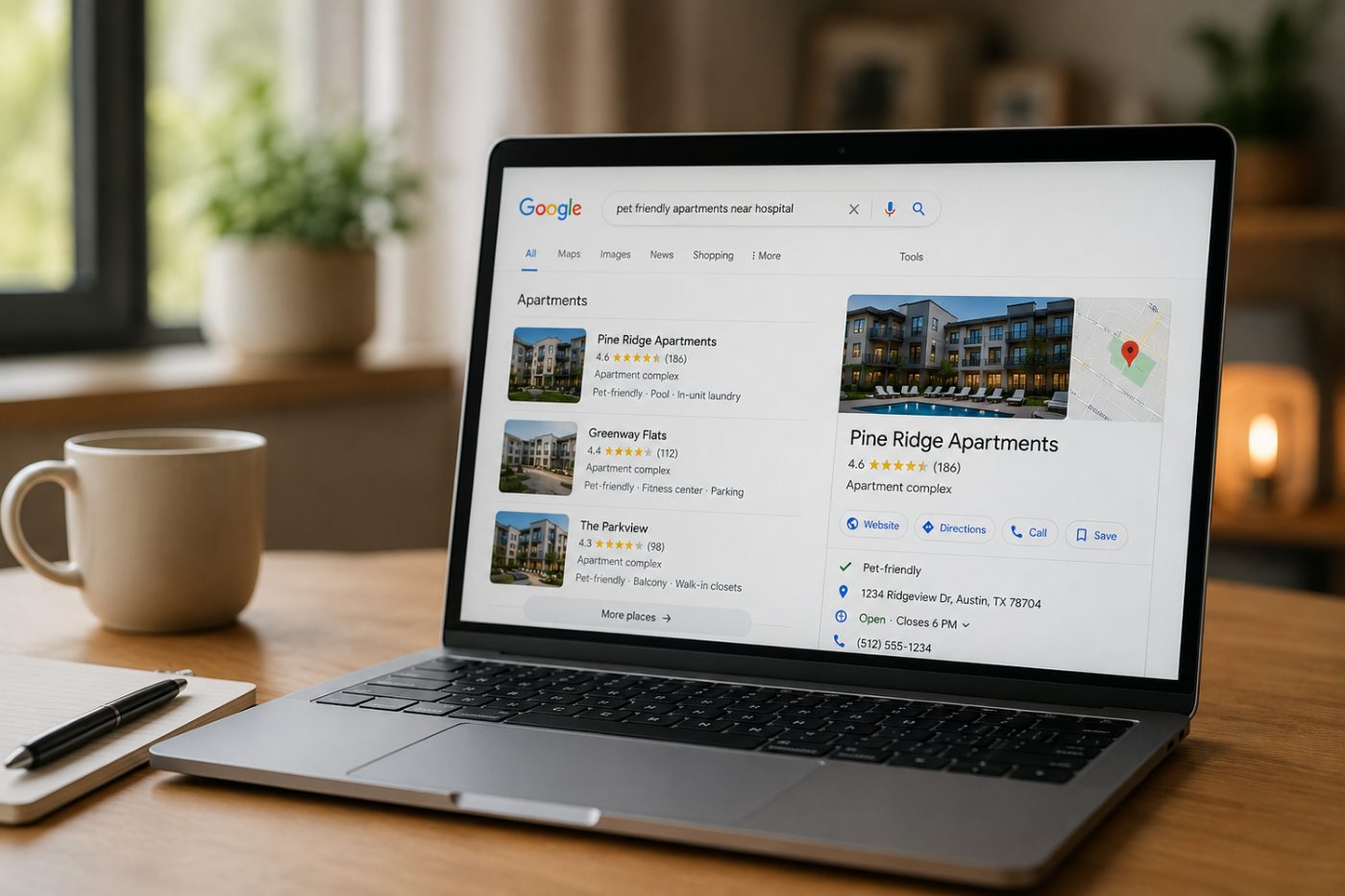
Apartment SEO Keywords: The Searches That Actually Bring Renters to Your Community

The searches that bring renters to an apartment community are mostly unbranded: a unit type plus a place, an amenity plus a place, or a neighborhood, school or employer. You can see which ones you already show up for in the Queries tab of Google Search Console and the Searches section of your Google Business Profile performance report. Start there before you buy a keyword list.
Most apartment keyword advice starts with a tool that guesses volume. I would start with the two free reports Google already gives you, then fill the gaps on your own site.
Why do unbranded searches matter more than your community name?
Because most renters do not have your name yet. In an Apartments.com survey reported by the National Apartment Association, 87% of more than 15,000 adults planning to rent said they had no specific property in mind when they started looking.
Ranking for your own name is good hygiene, and you should own it. But someone who types your exact name already found you somewhere else. The searches that create new tours are the ones where a renter describes what they want and Google decides who fits. We wrote about that shift in intent based SEO for apartments; this post is the practical version.
What kinds of searches do renters actually use?
Most renter searches fall into four groups: a unit type plus a place, an amenity or policy plus a place, a neighborhood or landmark, and a question. Your community name is a fifth group, and the smallest opportunity.
| Search type | What it looks like | Page that should answer it |
|---|---|---|
| Unit type plus place | "2 bedroom apartments in Tempe", "studios near downtown" | Floor plan pages with real prices and availability |
| Amenity or policy plus place | "pet friendly apartments with dog park", "apartments with garages" | Amenity and pet policy pages written in plain text |
| Neighborhood or landmark | "apartments near ASU", "apartments near the light rail" | A neighborhood page with real distances and places |
| Question | "do apartments near me allow two dogs", "what is the application fee" | An FAQ that answers in the first sentence |
| Your name | "[community name] reviews", "[community name] specials" | Home page, Business Profile, reviews |
The examples are illustrations, not data. Your own reports will tell you which of these your market actually uses.
How do you find your keywords in Google Search Console?
Open the Performance report, switch to the Queries tab, and sort by impressions. Those are the searches where Google already showed your site, including the ones you rarely win.
Google's Performance report help page explains two limits worth knowing. Some queries are anonymized to protect searcher privacy and are left out of the table, and Search Console stores top rows rather than every row. So treat the list as a strong sample, not a full census. The same page says to focus more on impressions and clicks than on average position, which matches how I read it.
Here is the pass I run each quarter:
- Filter out queries that contain your community name. What remains is your unbranded list.
- Sort by impressions. High impressions with few clicks usually means you are on the page but not convincing, or ranking too low to matter.
- Click a query and check the Pages tab. If Google is showing your home page for "pet friendly apartments", you probably need a pet page that answers the question directly.
- Tag each query with one of the groups in the table above. Patterns show up fast.
How do you find them in your Google Business Profile?
Open your profile, choose Performance, and look at Searches. Google lists the search terms people used that led to your profile appearing.
Google's Business Profile performance help page says this data is only available for verified profiles, that the searches metric updates at the start of each month and can take up to five days to appear, and that you cannot directly manage which queries trigger your profile. So check it monthly, not weekly.
The Business Profile list matters because it reflects Maps and local results, which often look different from your website queries. A community can show up for "apartments near me" on Maps while its website barely appears for the same idea in regular results, or the other way around. Our post on winning in Google Maps covers the Maps side in more depth.
What should you do with the list once you have it?
Match each important search to one page that answers it clearly, then make your Business Profile say the same thing. You are not stuffing words into pages. You are making sure the answer exists where Google can read it.
Google's local ranking page says local results are based mainly on relevance, distance and prominence, and that complete, accurate business information helps Google match you to the right searches. Distance you cannot change. Relevance is mostly about whether your profile and site plainly describe what you offer.
- Write the facts in text. Pet rules, parking, garage availability, lease terms and fees should not live only inside a PDF, an image or a leasing widget.
- Give each big search a home. One page per floor plan type, one for pets, one for the neighborhood. Avoid near duplicate city pages that say the same thing with a different place name; Google's spam policies describe pages built only to funnel visitors from different places as doorway abuse.
- Use the renter's words. If renters search "garage" and your site says "private parking structure", add the plain word.
- Keep the profile consistent. Category, description, amenities and photos on your Business Profile should match the website.
Which searches should you stop chasing?
Drop broad terms you cannot serve, such as a whole metro name with no unit type, and terms about areas you are not near. Distance is part of local ranking, so a community rarely wins searches anchored to a neighborhood miles away.
I would also stop paying for reports that celebrate your branded rank. If an agency's keyword report is mostly your own name, ask for the unbranded list. That is the same test I describe in what multifamily SEO services should include.
Tracking these searches week to week, on Google Search, Maps and AI answers, is part of what we do in LocalLift, our weekly visibility program for apartment communities.
Questions we hear
What are the best SEO keywords for an apartment community?
Unbranded searches that combine a unit type, amenity or neighborhood with a place, such as two bedroom apartments in a specific area. Your own Search Console and Business Profile reports show which ones you already appear for.
Where can I see the search terms renters used to find our Business Profile?
In your Business Profile, open Performance and look at Searches. Google says the data is only for verified profiles and updates at the start of each month.
Why does Search Console not show every query?
Google anonymizes some queries to protect searcher privacy and leaves them out of the table, and it stores top rows rather than every row. Treat the list as a sample.
Should we create a separate page for every nearby city?
No. Create pages for real renter needs, like floor plans, pets and your actual neighborhood. Thin pages that only swap the place name rarely help and can look like doorway pages.
How often should we review our keyword data?
Quarterly for a full Search Console pass, and monthly for Business Profile searches, since Google updates that metric once a month.
Want to know which searches your community is missing? Request a free visibility plan and we will show you where you appear today and where you do not.