Thanksgiving Hours and Holiday Menus: Update Google, Your Site and AI Before Nov 26
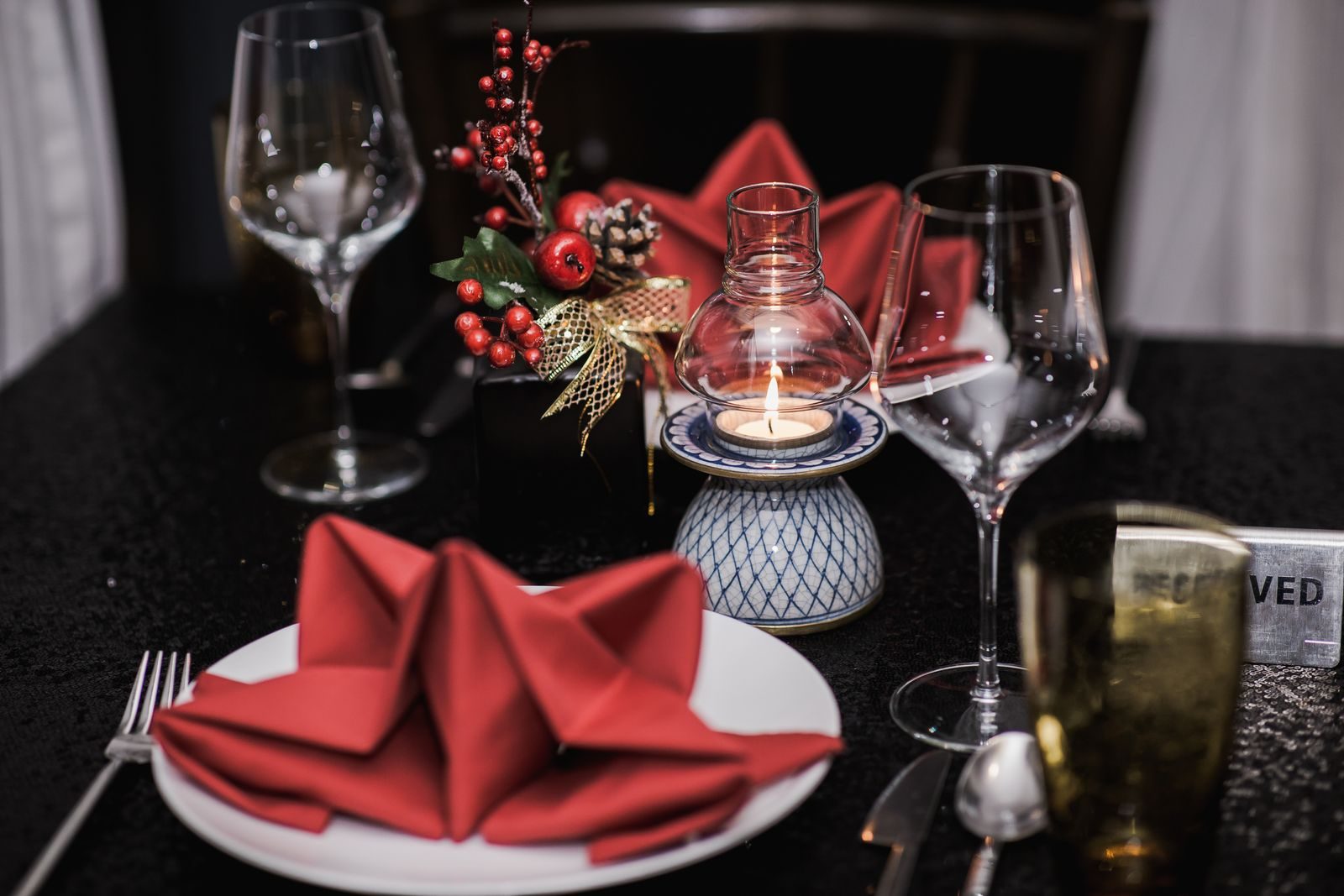
Set your Thanksgiving and holiday hours as special hours on your Google Business Profile this week, then copy the exact same hours and menu, as plain text, to your website, Apple Maps, Yelp, your reservation page and your social profiles. Thanksgiving is Thursday, November 26, 2026. Guests start asking "are you open" days before that, and AI assistants answer from whatever your listings and website say.
This dated checklist is for restaurants, bars, hotels and resort dining, and covers Thanksgiving through New Year's Day.
Which dates need a decision, and what do you need to decide?
Each date needs three answers: hours, what you serve, and how guests book or order. Write them down once before touching any listing.
| Date | Day | Decide |
|---|---|---|
| November 25, 2026 | Wednesday | Early close or late night? Last pickup time for pies and family meals? |
| November 26, 2026 (Thanksgiving) | Thursday | Closed, set menu only, or regular menu? Seatings and to go pickup windows |
| November 27, 2026 (Black Friday) | Friday | Regular hours, or a late open after a long Thursday? |
| December 24, 2026 (Christmas Eve) | Thursday | Early close? Catering order deadline |
| December 25, 2026 (Christmas) | Friday | Closed, or a set menu? Hotel dining for guests in house |
| December 31, 2026 (New Year's Eve) | Thursday | Ticketed event, late close past midnight, seatings and deposits |
| January 1, 2027 (New Year's Day) | Friday | Late open, brunch only, or closed? |
In a Popmenu survey of 1,000 U.S. adults taken November 16 to 17, 2025, 53% said they planned to order takeout or delivery from restaurants for Thanksgiving dinner, up from 37% in 2024, while 5% planned to dine in at a restaurant. If you sell family meals or sides, your pickup times and order deadline matter as much as your dining room hours.
How do Google special hours actually work?
Special hours are a short term exception to your regular schedule. You add them for specific dates, and your regular hours come back on their own afterward. Do not edit your regular hours for a holiday.
Here is what Google's special hours help page says, in plain terms:
- Where to set them. Edit profile, then Hours, then Special hours. Pick the date, set the open and close times or check Closed, and save. Google may also suggest holiday dates you can review and confirm.
- Confirm holidays even when nothing changes. Google says it is a good idea to confirm your hours for official holidays even if they match your regular hours. If you are open as usual on Black Friday, say so.
- Short closures only. Special hours cover closures of up to 6 days in a row. For 7 days or more, Google points you to Temporarily closed instead.
- Late nights need care. If New Year's Eve service runs past midnight, Google says those special hours override your regular hours for the next day, so add January 1 as its own special hours entry.
- The profile must show main hours. Special hours only appear if your hours are set to Open with main hours.
Google's restaurant guide also points to More hours for takeout, delivery and pickup. If your holiday pickup window differs from the dining room, update those too.
Hotels and resorts: whose hours are these?
Google's profile guidelines say indoor lodging such as hotels should not list hours, and that a restaurant, cafe or bar inside a hotel should have its own profile. Thanksgiving brunch hours belong on each outlet's own profile. For the booking side of a hotel's Google presence, see how resorts and hotels win more direct bookings from Google.
Where should the holiday menu live?
In three places: in your Google menu, as text on your website, and in a Google post. A PDF or a photo of a printed card is fine as an extra, not as the only copy.
Google's menu editor lets food and drink businesses add sections, items, descriptions and prices, set a menu link, and upload a menu photo or PDF. Two details matter this month. Google says menu changes can take 24 to 48 hours to show on Maps and Search, so do not edit on Wednesday night. And when Google finds more than one menu source, you choose which one appears as your preferred menu, so check that it is not last year's card or a customer photo of an old menu.
On your website, type the holiday menu as a normal web page: dishes, short descriptions, price per person and dietary notes you can stand behind. Text is easier than an image for phones, search engines and AI tools to read.
What about Apple Maps, Yelp and everywhere else?
Every place that shows your hours needs the same holiday hours.
- Apple Maps. Apple's Apple Business guide lets you add holiday hours and closures for each location. Apple says holiday open hours must differ from your standard hours, so enter only days that change.
- Yelp. Yelp's special hours guide has you add special hours under Business Information, one entry per date, for a suggested holiday or a custom date.
- Bing Places. Check your hours there too. OpenAI's ChatGPT search help page says it may share search queries with third party search providers such as Bing, so a stale Bing listing is not a harmless gap.
- Social, delivery apps and your phone. Update hours, pause delivery on closed dates, record a holiday greeting.
What should the reservation page say?
It should match your special hours exactly. Before November 20, try to book Thanksgiving on your phone like a guest would.
- Closed dates are blocked, so nobody can book a table on a day you are dark.
- Any deposit or cancellation policy is written in plain words, with the deadline, including New Year's Eve terms.
- The booking button on your Google profile and website goes to the holiday booking page, not a generic home page.
What goes on your website: a banner and a holiday page
Add a slim banner across the top of every page that reads like this: Thanksgiving, Thursday November 26: open 12 to 7 with a set menu. Pickup orders close Monday, November 23. See holiday hours. Link it to one holiday page that stays live all season.
That page should list every date from the table above with hours, the menu as text, how to reserve, to go pickup windows and deadlines, and a line such as "Hours updated November 17, 2026." When a date passes, update the page rather than deleting it.
Then add structured data for those hours. Google's local business structured data guide supports openingHoursSpecification with validFrom and validThrough dates, and says to set opens and closes to 00:00 to show a business is closed all day. Schema.org also defines specialOpeningHoursSpecification, which it describes as a way to explicitly override general opening hours. Google's guide does not mention it, so treat it as optional. A developer would set it up like this, using the year, month, day date format:
| Date | validFrom and validThrough (same date) | opens | closes |
|---|---|---|---|
| Thanksgiving, open with set menu | November 26, 2026 | 12:00 | 19:00 |
| Christmas Day, closed | December 25, 2026 | 00:00 | 00:00 |
| New Year's Eve, late close | December 31, 2026 | 17:00 | 01:00 |
The markup must match what the page visibly says, and holiday entries should sit alongside your regular hours, not replace them.
How do AI answers pick up your holiday hours?
Nobody outside these companies knows exactly how each assistant picks an answer. What is published says they draw on business listings and the web, the inputs you control.
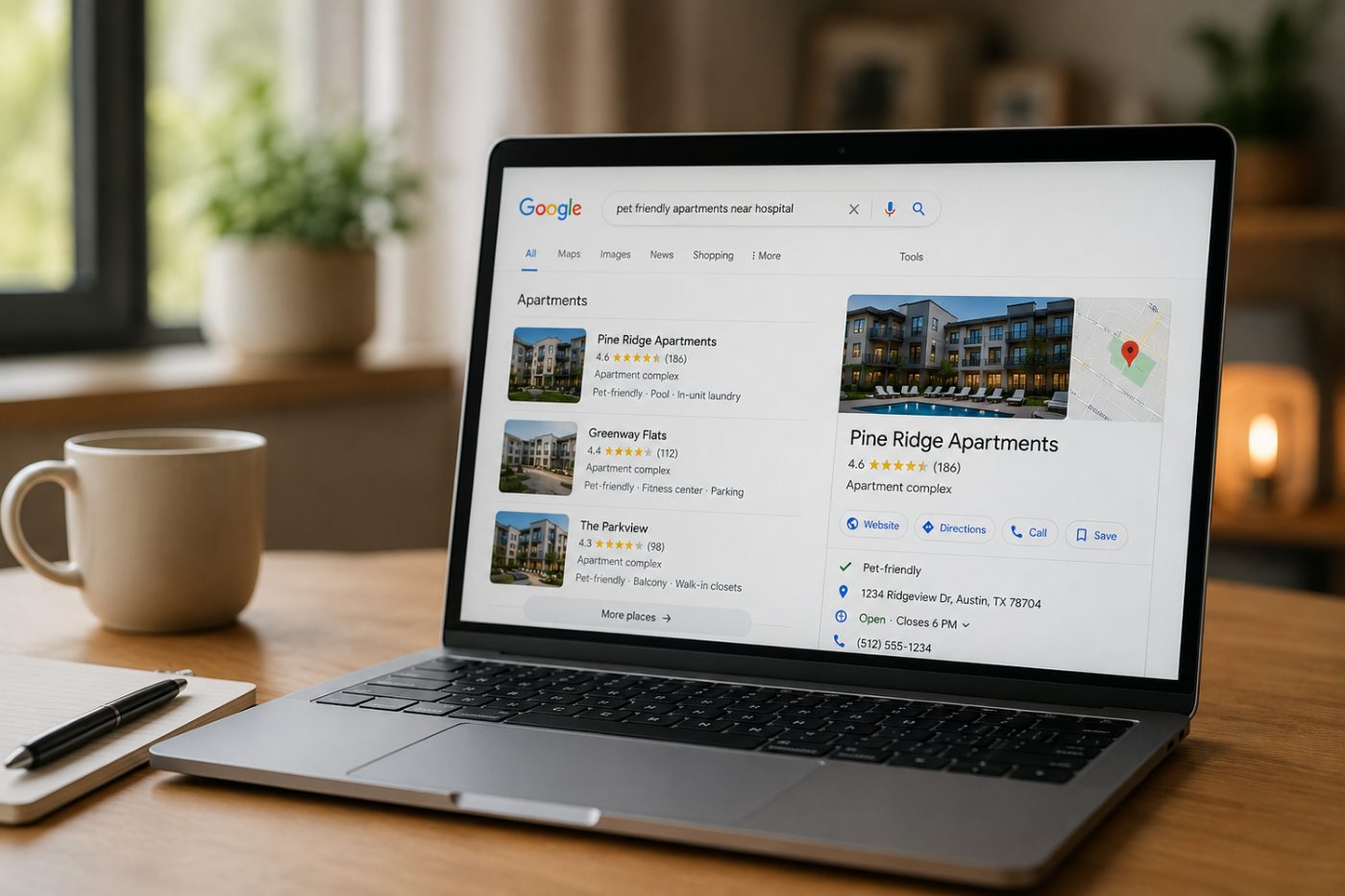
- Google said in May 2025 that AI Mode shows local spots like restaurants with info such as ratings, reviews and opening hours.
- Google's Maps grounding announcement from October 2025 says developers can connect Gemini to data from more than 250 million places, and describes that data as including business hours. That is a developer tool, not the consumer app.
You cannot edit an AI answer. You can make every source it might read say the same thing. A closed Thanksgiving on Google next to a regular Thursday on Yelp invites a wrong answer.
A two minute AI check to run on November 20 and November 24
- Ask ChatGPT, Gemini and Perplexity: "Is [your restaurant] in [your city] open on Thanksgiving 2026?"
- Ask: "Where can I get Thanksgiving dinner to go near [your neighborhood]?"
- Note the hours given and open the cited sources.
- Fix the source, not the answer. If a cited listing is wrong, update that listing first.
- Check again a few days later.
What should you post on social and on Google?
- Google post. Google's posts help page offers event posts with start and end dates and times. Create one for Thanksgiving and one for New Year's Eve. Leave phone numbers out of the description, since Google says posts with an unverified number may be rejected.
- Instagram and Facebook. Pin the full schedule; add a story the day before each holiday.
- Caption you can adapt: "Thanksgiving at our place: Thursday, Nov 26, seatings from 12 to 7, three course menu at a set price per person. Pickup orders close Monday, Nov 23. Closed Christmas Day. Full holiday hours at the link in our bio."
The printable holiday update timeline
Keep it at the host stand. If a date has passed, do that row today.
| By | Update |
|---|---|
| Wednesday, November 18 | Decide hours, menus and order deadlines for all seven dates. Add every date to Google special hours. Build the holiday menu in the Google menu editor and as text on your website. |
| Friday, November 20 | Apple Maps, Yelp, Bing Places, Facebook and Instagram hours match Google. Reservation page tested on a phone. Website banner and holiday page live with structured data. Google event post published. First AI check done. |
| Tuesday, November 24 | Second AI check. Recheck that your Google hours still show what you set. Phone greeting recorded. |
| Friday, November 27 to Monday, November 30 | Remove Thanksgiving from the banner. Confirm Christmas Eve, Christmas Day, New Year's Eve and New Year's Day are still correct everywhere. |
| Friday, December 18 | Christmas and New Year's Eve posts live. Reservation page shows New Year's Eve deposits and seatings. Third AI check. |
| Saturday, January 2, 2027 | Take down the banner, archive the holiday page, note what guests asked most. |
What should you set up now for 2027?
Keep one holiday sheet with every outlet, every listing login and the hours you posted this year. Thanksgiving 2027 is Thursday, November 25, so set a reminder for early November 2027. Add Valentine's Day and Mother's Day now; they follow the same pattern.
Questions we hear
How do I set Thanksgiving hours on Google without changing my regular hours?
Use special hours. In your Business Profile go to Edit profile, then Hours, then Special hours, pick November 26, 2026, and set your hours or mark it closed. Your regular hours return on their own after that date.
Does a hotel need to post holiday hours on its Google profile?
Google's guidelines say hotels should not list hours, and that a restaurant or bar inside a hotel should have its own profile. Put Thanksgiving and holiday dining hours on each outlet's profile.
Why does ChatGPT or Gemini show the wrong holiday hours for my restaurant?
Nobody outside those companies knows exactly how each answer is chosen, but AI answers about places draw on listings and websites. Open the sources the answer cites, fix any listing that is wrong, make your website match, and check again a few days later.
What schema markup should I use for holiday hours?
Google documents openingHoursSpecification with validFrom and validThrough dates, and opens and closes set to 00:00 for a full day closure. Schema.org also offers specialOpeningHoursSpecification to override regular hours. Make sure the markup matches what the page says.
Want help getting holiday ready?
Keeping hours, menus and listings consistent everywhere is the detail work we do for hospitality businesses. Want a second set of eyes before November 26? Get in touch.